SMTP
Send reports via your own SMTP email server. Supports SSL, STARTLS, plain
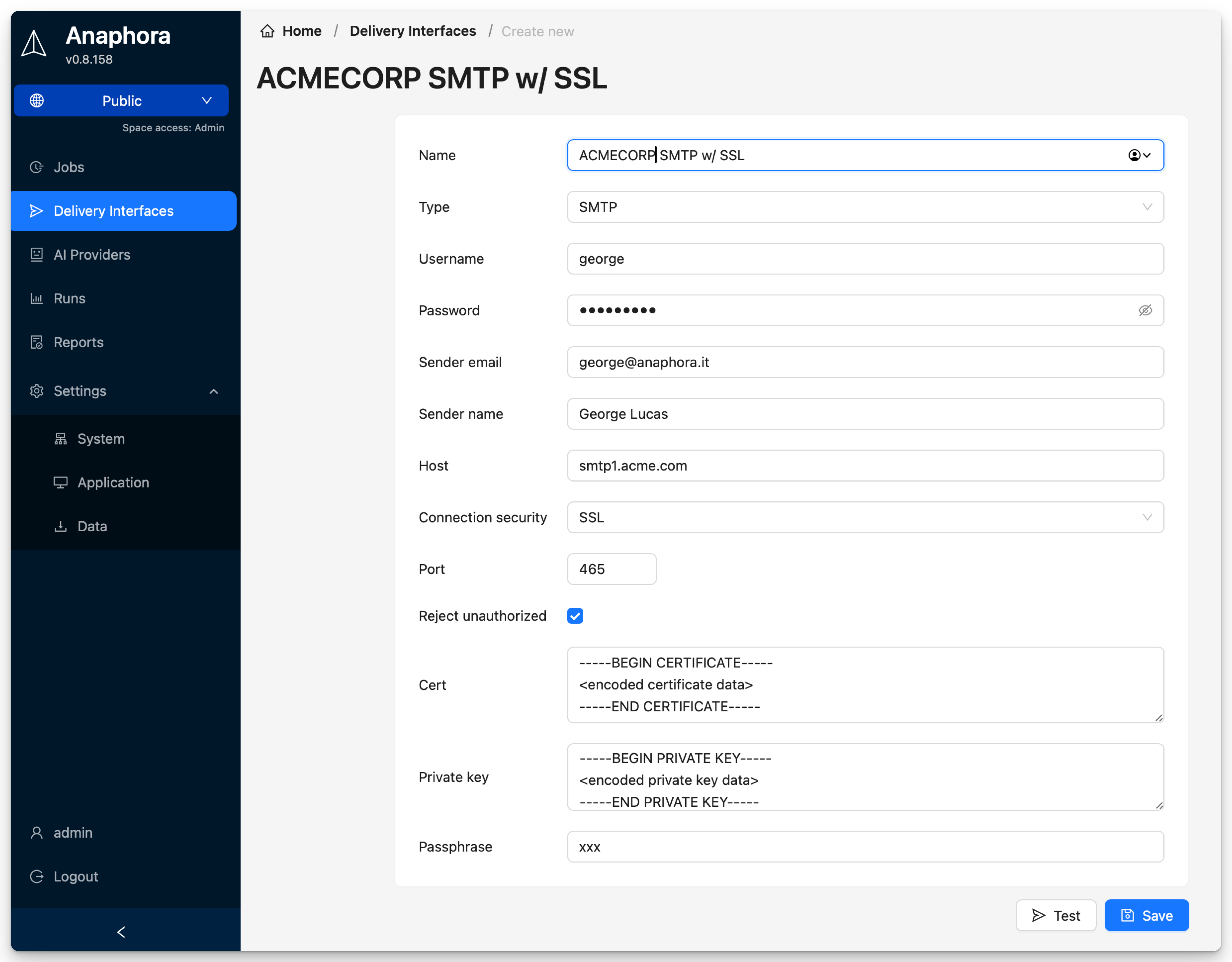
Configuration
| Field | Description | Required |
|---|---|---|
| Name | Interface identifier | Yes |
| Host | SMTP server hostname | Yes |
| Port | SMTP port (25, 465, 587) | Yes |
| Username | SMTP authentication user | Usually |
| Password | SMTP authentication password | Usually |
| From Address | Sender email address | Yes |
| TLS/SSL | Encryption mode | Recommended |
Common Configurations
Gmail
Host: smtp.gmail.com
Port: 587
TLS: STARTTLS
note
Gmail requires an App Password if 2FA is enabled.
Office 365
Host: smtp.office365.com
Port: 587
TLS: STARTTLS
Amazon SES
Host: email-smtp.us-east-1.amazonaws.com
Port: 587
TLS: STARTTLS
Testing
- Configure the interface
- Click Test
- Enter a test recipient
- Verify email arrives
Troubleshooting
| Issue | Solution |
|---|---|
| Connection refused | Check firewall, verify port |
| Authentication failed | Verify credentials, check app passwords |
| TLS error | Try different TLS mode |