Mailgun
Send reports via the Mailgun email API.
Why Mailgun?
- No SMTP server to manage
- Better deliverability tracking
- Easy setup
- Higher sending limits
Configuration
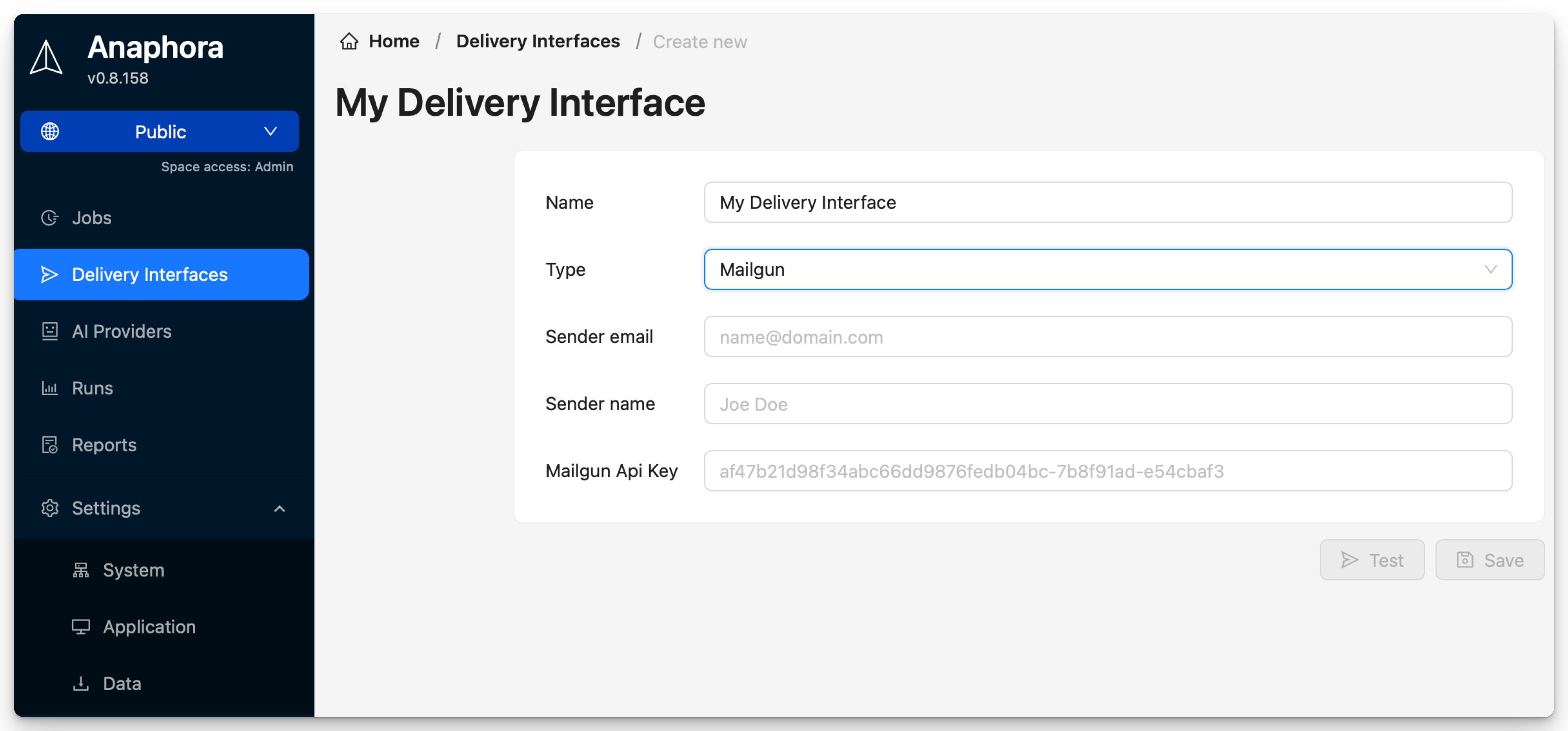
| Field | Description | Required |
|---|---|---|
| Name | Interface identifier | Yes |
| Sender email | Use your MailGun domain with any name e.g. myname@my-mailgun-domain.com | Yes |
| Sender name | Use any name that should be displayed as sender | No |
| Mailgun API key | API authentication | Yes |
Setup Steps
1. Get API Credentials
- Log in to Mailgun
- Navigate to Settings > API Keys
- Copy your Private API Key
- Note your Mailgun sender domain (to use in sender email)
Domain Verification
Ensure your Mailgun domain is verified for best deliverability:
- Add DNS records as instructed by Mailgun
- Verify SPF and DKIM are configured
Testing
Send a test email to verify configuration before using in jobs.