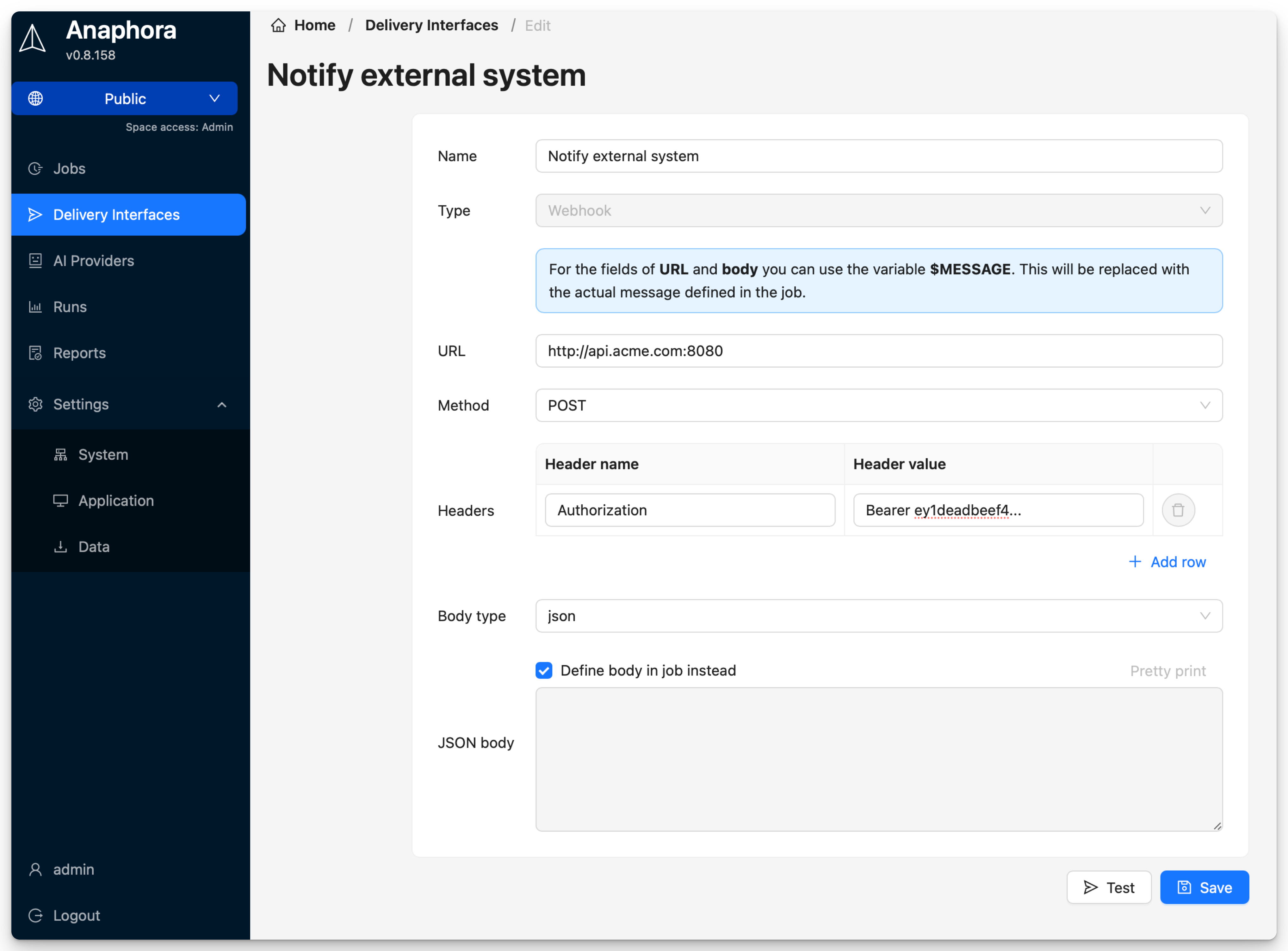
WebHook
Send reports to custom HTTP endpoints for integration with any system.
Use Cases
- Custom notification systems
- Integration with ticketing tools
- Triggering automation workflows
- Sending to unsupported platforms
Configuration
| Field | Description | Required |
|---|---|---|
| Name | Interface identifier | Yes |
| URL | Endpoint URL | Yes |
| Method | HTTP method (POST/PUT) | Yes |
| Headers | Custom headers | No |
| Body type | JSON, form-data | Yes |
| JSON Body | Custom payload template | No |
| Form Data | Key-value pairs | No |
Payload Format
JSON Template
Define a JSON structure that works with your endpoint. Use the $MESSAGE variable as placeholder for the report
content. This variable will be replaced with the custom text that you define in the job's delivery settings.
Example:
{
  "title": "Anaphora Report",
  "content": "$MESSAGE"
}
Form Data
Send key-value pairs as form data. Use the $MESSAGE variable for the report content.
Example:
report_title=Anaphora Report
report_content=$MESSAGE
JSON in Job Delivery
In this case the entire body is defined in the job's delivery settings.
Custom Headers
Add headers for authentication or routing:
Authorization: Bearer your-token
X-Custom-Header: value
Content-Type: application/json