Runs
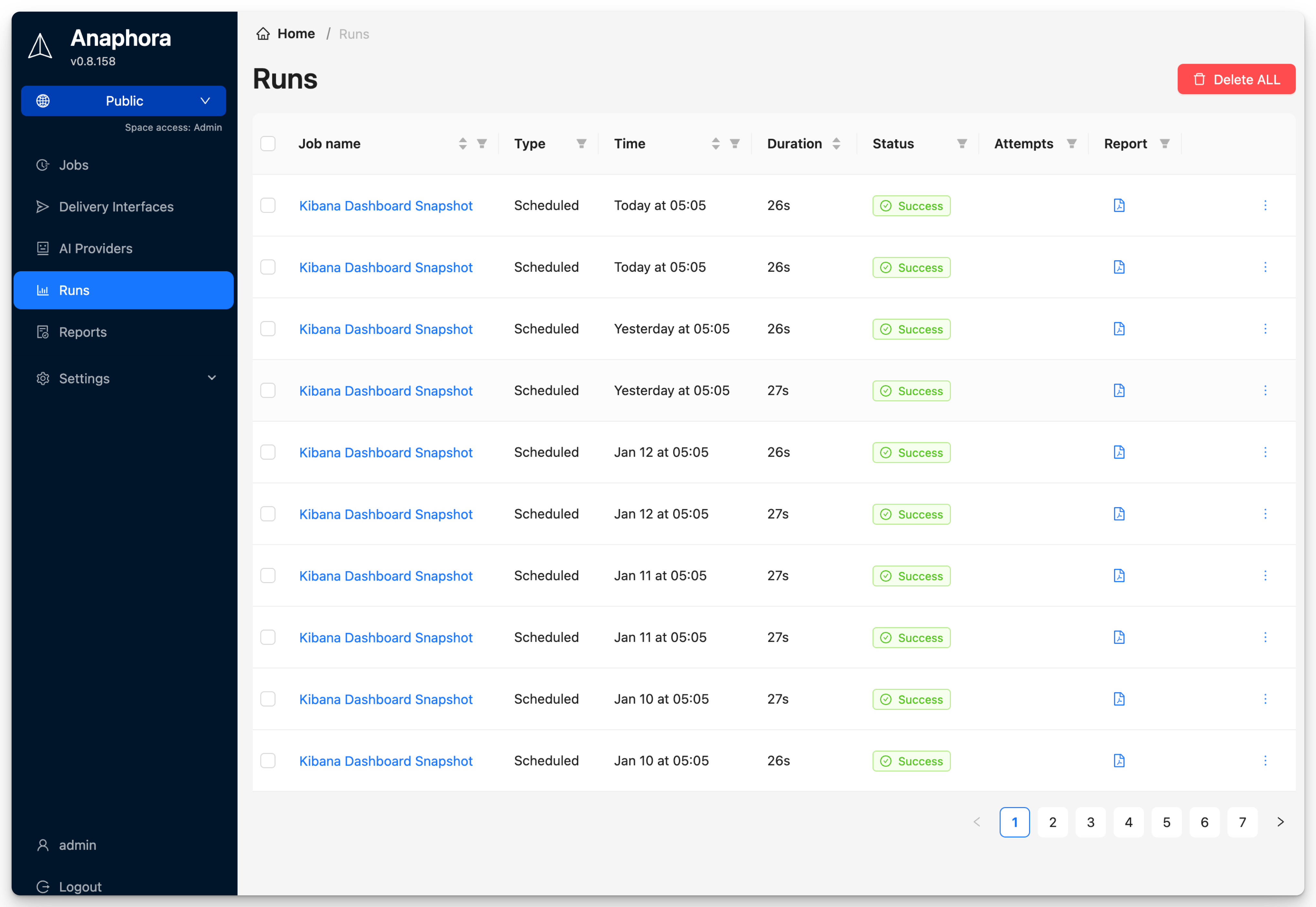
The Runs section shows the execution history of your jobs, including successful captures, failures, and delivery status.
Overview
Every time a job executes, a run record is created. This allows you to:
- Track job execution history
- Identify and debug failures
- Review captured content
- Verify delivery success
Run Statuses
| Status | Description |
|---|---|
| Success | Job completed and report delivered |
| Delivery issues | The report was created but could not be delivered to all destinations |
| Failed | Job execution failed |
| Skipped | Conditions not met, no report sent |